
Kia Cee'd: Blind Spot Detection system / Repair procedures
Kia Cee'd JD Service Manual / Body Electrical System / Blind Spot Detection system / Repair procedures
| Diagnosis With GDS |
| 1. |
BSD system defects can be quickly diagnosed with the GDS. GDS operates
actuator quickly to monitor, input/output value and self diagnosis.
|
| 2. |
Connect the cable of GDS to the data link connector in driver side crash
pad lower panel, turn the power on GDS.
|
| 3. |
Select the vehicle model and then BSD system.
|
| 4. |
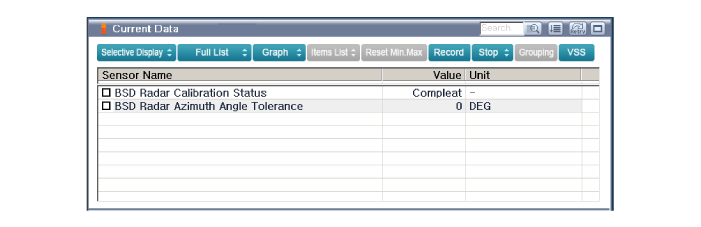
Select "Input/output monitoring", if you want to check current data
of BSD system.
|
| 5. |
If you want to check each module operation forcefully, select "Actuation
test".
|
| 6. |
Ignition "OFF", connect GDS.
|
| 7. |
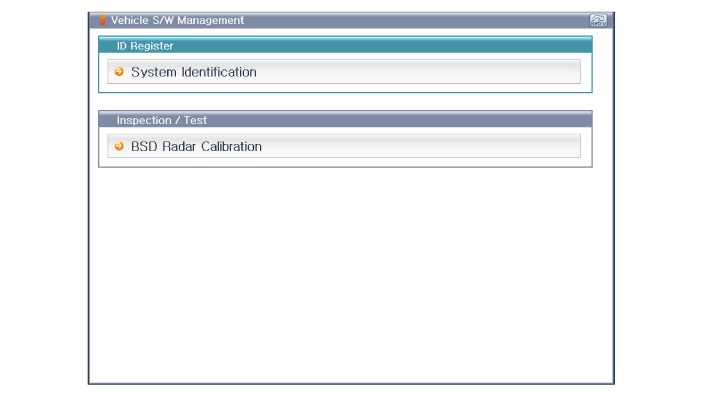
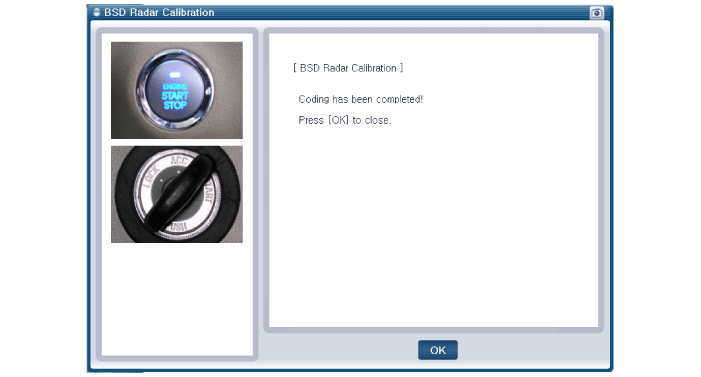
Ignition "ON” & Engine "OFF", select BSD system and "BSD Radar Calibration"
mode.
|
| 8. |
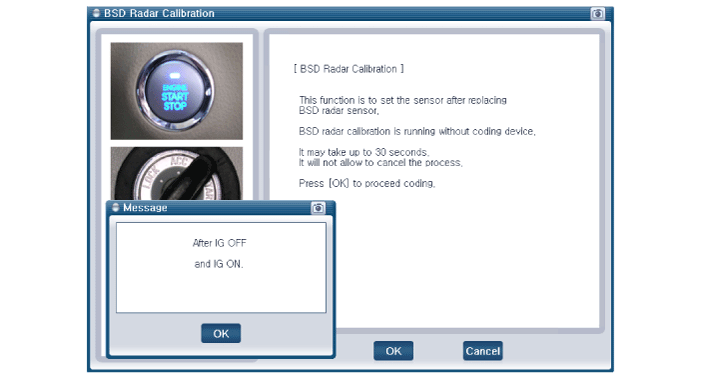
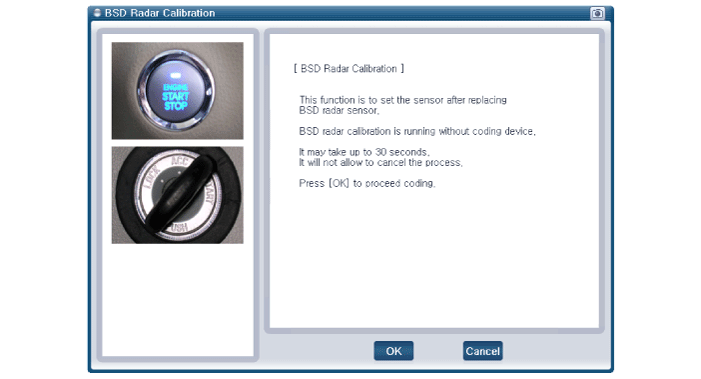
The GDS will show the BSD Reset function steps.
|
| 9. |
The BSD initialization procedure will be performed.
|
 Description and operation
Description
BSD is a system that uses two magnetic wave radar sensors attached on the rear
panel to measure the distance from the following vehicles and provides the sensing
...
 Blind Spot Detection Unit" Schematic diagrams
Circuit Diagram
...
Other information:
: Seatbelt Precautions
WARNING: Always drive and ride
with your seatback upright and the lap
belt snug and low across the hips.
WARNING: Children must always
be properly restrained.
WARNING: Do not allow a
passenger to hold a child on their lap
when your vehicle is moving. Failure to
follow this instruction could re ...
Kia Cee'd JD Owners Manual: Auto Download (Phone Book)
Press the key Select
[Phone] Select [Auto Download]
This feature is used to automatically
download mobile phone book entries
once a Bluetooth® Wireless Technology
phone is connected.
✽ NOTICE
The Auto Download feature will
download mobile phone book
entries every time the p ...
© 2017-2026 www.kceed.com
