
Kia Cee'd: How the system works (Exit mode) / 4. Steering wheel control
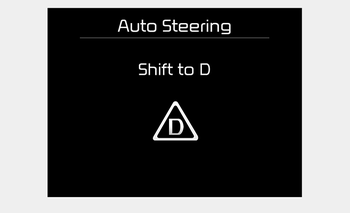
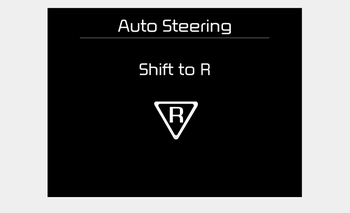
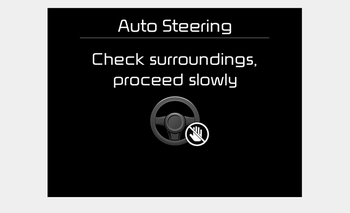
- The above message will appear if the shift lever is in D (Drive) or R (Reverse) according to the distance of the front and rear object from the sensor. The steering wheel will be controlled automatically.
- The system will be cancelled if you firmly hold the steering wheel while it is controlled automatically.
- The system will be cancelled if vehicle speed is over 7km/h (4.3mph).
WARNING
Do not put your hands between the steering wheel while it is being automatically controlled.
To cancel the system while exiting
Press the Parking Assist System or Smart Parking Assist System button.
CAUTION
Always drive slowly with the brake pedal applied.
 3. Check surroundings
The Smart Parking Assist System checks
the front and rear space to exit the vehicle
from the parking space.
✽ NOTICE
When checking surroundings, if the
front or rear vehicle (or object ...
 5. Exiting Complete
When assisting the driver exit the parking
space is completed the above message
will appear.
Turn the steering wheel to the direction
you are leaving and manually control the
steering wheel ...
Other information:
Kia Cee'd JD Service Manual: Gear Actuator Components and components location
Component Location
1. Gear actuator
2. Dual Clutch Transmission (DCT)
...
: Stopping the Liftgate Movement. Liftgate Obstacle Detection
Stopping the Liftgate Movement
Note: Do not apply sudden excessive force
to the liftgate while it is in motion. This
could damage the power liftgate and its
components.
Note: Selections will vary depending on
region or options.
You can stop the liftgate movement by
doing any of the following:
...
