
Kia Cee'd: Voice Recognition / Using Voice Recognition
Starting Voice Recognition
Shortly press the  key on the
steering wheel Say a command.
key on the
steering wheel Say a command.
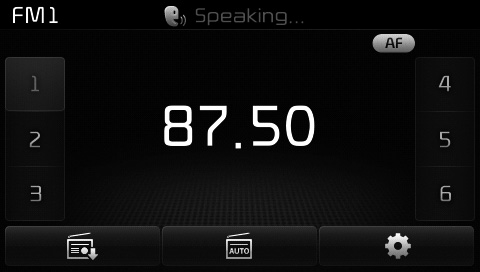
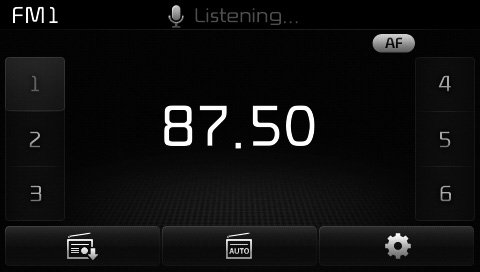
If voice recognition is in [Normal Mode], then the system will say “Please say a command. Beep~”
- If voice recognition is in [Expert Mode], then the system will only say a “Beep~”
- To change the Normal
Mode/Expert Mode setting, go to
 [System] [Voice Recognition
System].
[System] [Voice Recognition
System].
✽ NOTICE
For proper recognition, say the command after the voice insttction and beep tone.

 Phonebook List Best Practice
1) Do not store single-name entries
(e.g., “Bob”, “Mom”, “Kim”, etc.).
Instead, always use full names
(including first and last names) for
phonebook (e.g., use “Jacob
Stevenson ...
Other information:
Kia Cee'd JD Service Manual: ESP OFF Switch Description and operation
Description
•
1st stage
The ESP engine control function will stop when the ESP OFF indicator
on the cluster turns on by pressing the ESP OFF button for 0.15 second.
(The brake control function works normally.)
•
2 ...
Kia Cee'd JD Service Manual: Spark Plug Specifications
Specification
Item
Specification
Type
SILZKR6810
Gap
0.9 ~ 1.0 mm (0.0354 ~ 0.0394 in.)
...
