
Kia Cee'd: Smart Parking Assist System (SPAS) / Smart Parking Assist System Unit Repair procedures
Kia Cee'd JD Service Manual / Body Electrical System / Smart Parking Assist System (SPAS) / Smart Parking Assist System Unit Repair procedures
| Removal |
|

| 1. |
Remove the glove box housing.
(Refer to the Body - "Glove Box Housing")
|
| 2. |
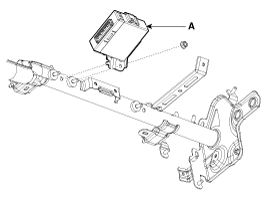
Remove the SPAS unit (A) after removing the nut and disconnecting the
connector.
|
| Installation |
| 1. |
Connect the connectors and install the SPAS unit (A).
|
| 2. |
Install the glove box housing.
|
| Inspection |
| 1. |
The SPAS (Smart Parking Assist System) can diagnose by using the GDS
more quickly.
The SPAS communicates with the GDS and then reads the input/output value
and drives the actuator.
|
| 2. |
To diagnose the SPAS (Smart Parking Assist System) function, select
the menu of model and SPAS.
|
| 3. |
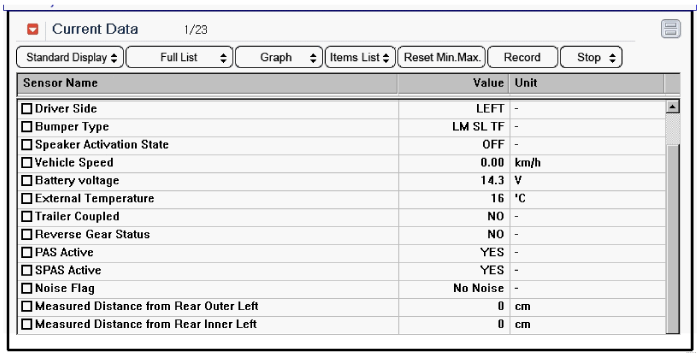
To consult the present input/output value of SPAS, "Current DATA". It
provides information of SPAS input/output conditions.
|
| 4. |
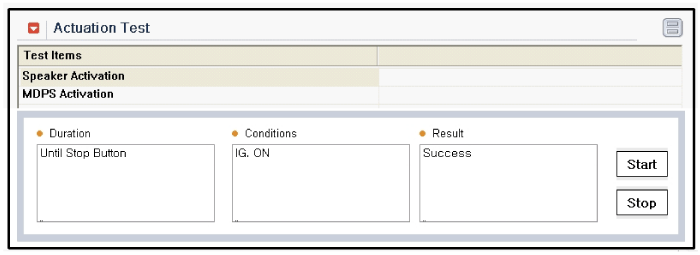
To perform compulsory operation on SPAS input factors, select "ACTUATION
TEST".
|
| 5. |
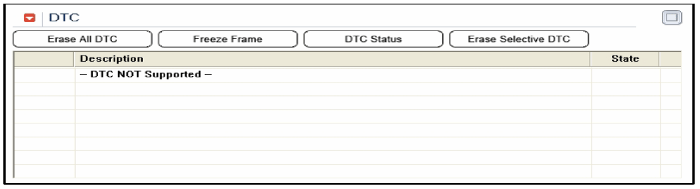
To check the DTC of the each module, select "DIAGNOSTIC TROUBLE CODES"
|
| 6. |
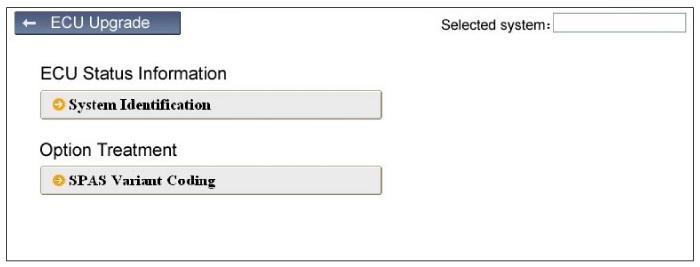
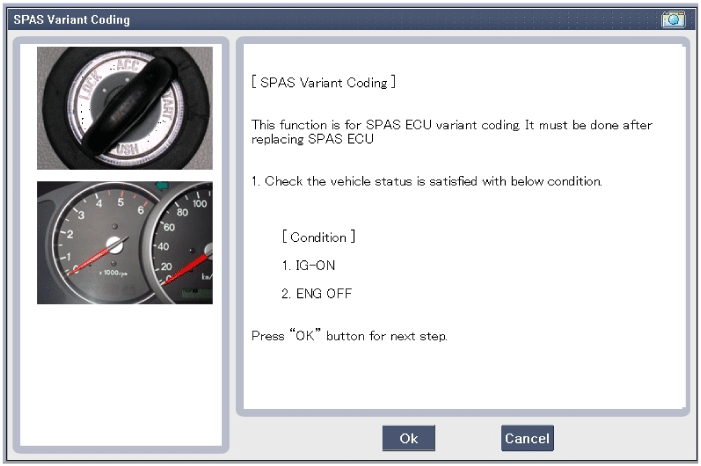
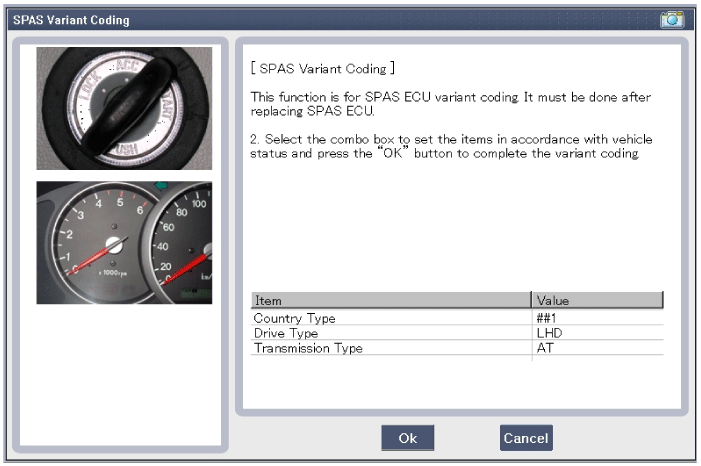
After replacing the SPAS unit, perform the "SPAS Variant Coding" procedure
with GDS.
|
 Smart Parking Assist System Unit Schematic diagrams
Circuit diagram
...
 Smart Parking Assist System Sensor Components and components location
Component (1)
Component (2)
...
Other information:
: Checking the Tire Pressures. Inflating the Tires
Checking the Tire Pressures
Safe operation of your vehicle
requires that your tires are
properly inflated. Remember that
a tire can lose up to half of its air
pressure without appearing flat.
Every day before you drive, check
your tires. If one looks lower than
the others, use a tire gauge to ...
Kia Cee'd JD Service Manual: Gear Actuator Motor Specifications
Specification
Gear Actuator Motor
▷ Specifications
Item
Specifications
Operating condition (°C) °F
(20)68
Output resistance (mΩ)
48 ± 3.4
...
© 2017-2026 www.kceed.com
